Setting up the Stripe Discord webhook connection is only half the job. The events that actually protect your revenue and keep your community clean happen after the initial join: renewals confirming access should continue, failed payments triggering a recovery sequence before someone loses access, and cancellations removing roles cleanly and starting a win-back campaign. This guide covers how to automate all three using Stripe webhooks and n8n.
The three Stripe Discord webhook events that matter after initial setup
Once a member joins your paid Discord community, three recurring event types determine whether you keep their revenue or lose it:
| Stripe event | What it means | What should happen in Discord |
|---|---|---|
| invoice.payment_succeeded | Renewal paid successfully | Confirm role is active, optional renewal DM |
| invoice.payment_failed | Renewal payment failed | Start grace period, send dunning DM, hold role |
| customer.subscription.deleted | Subscription cancelled or expired | Remove role, send offboarding DM, start win-back |
Most paid Discord communities handle the initial join correctly and miss all three of these. The result is silent revenue leakage: members whose payments fail and quietly lose access without a recovery attempt, cancellations with no offboarding, and renewals that go unconfirmed until something breaks.
Handling renewals: invoice.payment_succeeded
When a subscription renews successfully, Stripe fires invoice.payment_succeeded. For most members, this event requires no action -- their Discord role is already active and stays that way. But two things are worth automating here:
Role verification. Add a check in your n8n workflow that confirms the member still has their paid role in Discord. If a bot outage or server issue removed the role since their last renewal, this check reassigns it automatically before the member notices.
Optional renewal confirmation DM. For communities with high churn, a short renewal confirmation message ("Your access has renewed -- here is what is happening in the community this month") serves as both a confirmation and a re-engagement prompt. It is not always necessary, but for communities where members are semi-active it reduces silent cancellations in the following billing cycle.
The n8n logic for this branch is simple: receive the invoice.payment_succeeded event, look up the Discord user ID from Airtable, call GET on the Discord API to check current roles, reassign if missing, and optionally send the renewal DM.
Handling failed payments: invoice.payment_failed
Failed payment handling is where most paid Discord communities lose the most recoverable revenue. When invoice.payment_failed fires, do not remove the Discord role immediately. Stripe will retry the payment automatically over the next 7 to 14 days. Your job is to reach the member before those retries are exhausted.
The dunning sequence for failed payment Discord access
Day 0 (same day as failure): Send a Discord DM from your community bot and an email simultaneously. Both messages include the Stripe customer portal link where the member can update their payment method. The Discord DM is the key difference between this sequence and Stripe's default notifications -- it reaches the member in the environment they actively use.
Day 2: Follow-up DM and email if payment has not recovered. Slightly more urgent framing: "Your access will be paused in two days if we cannot process your payment." Keep the payment update link prominent.
Day 4: Final message. "Your Discord access will be removed at the end of today." This message converts well because the deadline is specific and real.
Day 4 end: If invoice.payment_succeeded has not fired during the grace period: remove the Discord role, send an offboarding DM, and start the win-back sequence. If payment recovers at any point during days 0 to 4, the recovery branch cancels the pending removal and sends a confirmation DM.
The n8n structure for this: a Wait node set to 4 days runs after the initial dunning DM. An IF node checks whether a recovery flag exists in Airtable (set by the invoice.payment_succeeded branch if it fires during the wait). If the flag exists, skip removal. If not, execute the offboarding sequence.
Handling cancellations: customer.subscription.deleted
When a member cancels or Stripe exhausts all payment retries and closes the subscription, customer.subscription.deleted fires. This event should trigger a clean, automated offboarding sequence:
- Look up the member's Discord user ID from Airtable
- Remove their paid role via the Discord API (
DELETE /guilds/{guild_id}/members/{user_id}/roles/{role_id}) - Send an offboarding DM: acknowledge they have left, give them a way to rejoin if they want to, and wish them well. No guilt, no pressure.
- Update their status in Airtable to cancelled with the cancellation date
- Trigger a win-back email sequence starting 7 days after cancellation
- Send an internal Slack alert so your team knows a member has churned
The win-back sequence is separate from the offboarding DM. The offboarding happens immediately. The win-back starts a week later when the initial emotion of leaving has settled, and frames re-joining as easy and low-stakes.
Building the full workflow in n8n
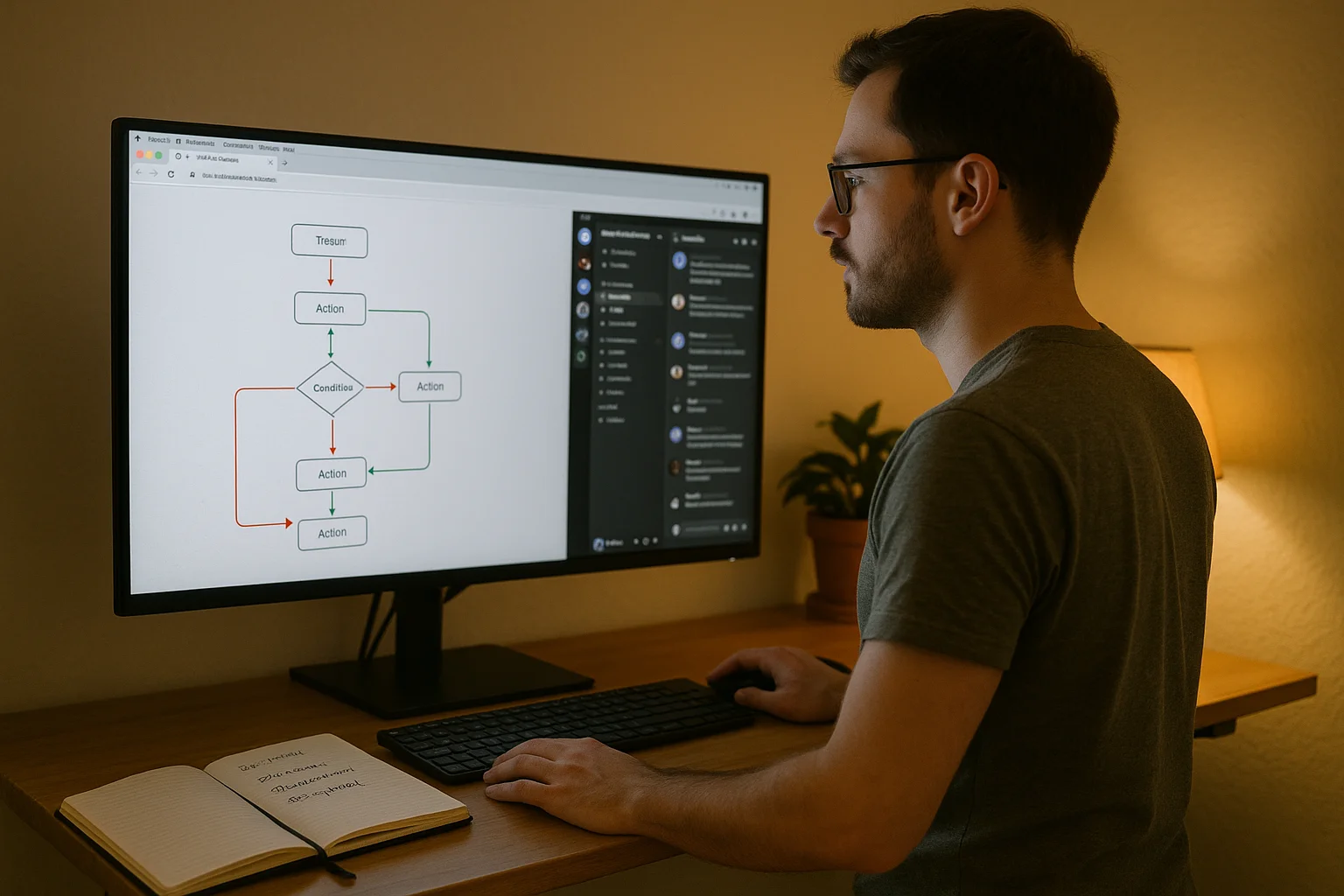
The complete Stripe Discord webhook automation runs on a single n8n workflow with four branches off a central Switch node:
- Webhook trigger: Receives all Stripe events for your subscription product. Set up in Stripe under Developers > Webhooks. Subscribe to
invoice.payment_succeeded,invoice.payment_failed, andcustomer.subscription.deleted. - Switch node: Routes on the
typefield of the incoming payload. Three branches: payment succeeded, payment failed, subscription deleted. - Airtable lookup: Each branch starts with a lookup of the member's Discord user ID using their Stripe customer email.
- Discord API call: HTTP Request nodes execute the appropriate action (role check, role removal) for each branch.
- Email and DM nodes: Trigger the relevant sequence on each branch (renewal DM optional, dunning sequence mandatory, offboarding DM mandatory).
Testing each Stripe Discord webhook branch
Test each branch separately using Stripe's webhook testing tool before going live:
- invoice.payment_succeeded: Confirm role check runs and renewal DM sends if configured
- invoice.payment_failed: Confirm dunning DM fires immediately, Wait node activates, and role removal happens at Day 4 if no recovery fires
- invoice.payment_failed followed by invoice.payment_succeeded: Confirm recovery branch cancels the pending removal and sends the recovery DM
- customer.subscription.deleted: Confirm role removes, offboarding DM sends, and win-back sequence starts
The most important test is the mid-grace-period recovery -- a member whose payment fails on Day 0 but recovers on Day 2. This is the most common real-world scenario and the one most automations get wrong.
Want this set up correctly without the trial and error? We do payment-to-access automation for paid communities in 7 days. Book a free audit.
Related: Paid community automation: the complete guide | Connect Stripe to Discord: full setup guide | How much revenue you are losing to failed payments | Automate Discord roles for tiers and renewals