You can have a paid Discord server taking payments in under an hour. But the setup that actually makes you money — and keeps members paying month after month — takes a bit more thought. This guide covers the full stack: Discord architecture, payment method choice with real cost comparisons, automation layer, and the launch sequence that avoids the empty-server problem.
Quick answer: Create your Discord server, set up gated channels with role-based permissions, then connect a monetization method — Discord's own built-in Server Subscriptions (10% platform cut, zero setup), or a third-party tool like LaunchPass or Whop (3-3.5% + Stripe fees, more features), or a custom Stripe + n8n integration (no platform fee, most control). The rest of this guide walks through each option with real cost numbers.
Step 1: Design Your Server Architecture First
Before touching Discord, map out your structure. Most people open Discord and start adding channels immediately — wrong order. Decide this first:
- Public channels — visible to everyone including non-members. Use these to show proof of value: a #results or #community-wins channel that converts visitors into subscribers.
- Gated channels — accessible only to paying members. This is where your actual content and community live.
- Role structure — one role per tier. Single tier = one "Member" role. Two tiers = "Basic" and "Pro" roles, each unlocking different channels.
- Welcome channel — a dedicated onboarding channel members land in immediately after getting access.
Step 2: Set Up Roles and Channel Permissions
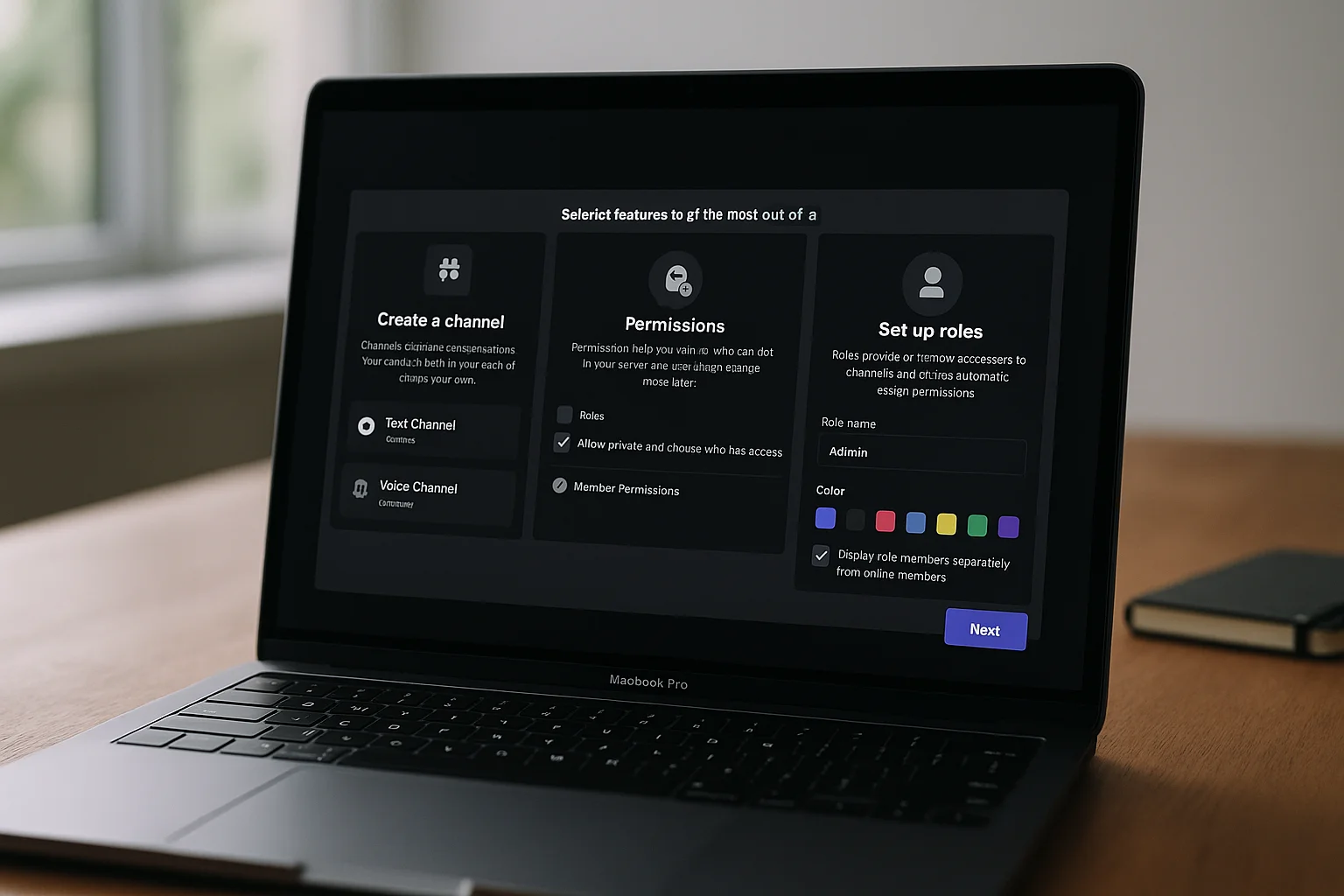
In Server Settings → Roles, create your member role(s). Then for every gated channel: Edit Channel → Permissions → remove "View Channel" from @everyone → add "View Channel" for your member role.
This is your access control layer. Every payment integration hooks into these roles — granting them on payment, removing them on cancellation.
Step 3: Choose Your Payment Method
Four realistic options in 2026, with real cost implications:
Option A: Discord's Native Server Subscriptions
Discord has its own built-in monetization tool — Server Subscriptions, found under Server Settings → Monetization. No third-party account, no Stripe setup: Discord handles billing and role assignment natively. The tradeoff is cost: Discord takes a 10% cut of revenue, the highest of any option here, and customization is limited to what Discord's own subscription tiers support. Best for creators who want zero setup time and don't mind the largest fee.
Option B: LaunchPass
Purpose-built for paid Discord communities. Connect Stripe, set a price, share the payment page. LaunchPass's bot handles role assignment and removal automatically. Supports trials, one-time payments, and recurring subscriptions. Takes 3.5% of revenue + Stripe's standard 2.9% + $0.30.
Option C: Whop
Broader platform than LaunchPass — you get a marketplace listing that can drive organic discovery. Takes 3% + Stripe fees. Better if you want Whop's marketplace traffic. Slightly more complex dashboard.
Option D: Custom Stripe + n8n Webhook
No platform fee. You pay only Stripe's standard rate (2.9% + $0.30). Requires 4–6 hours to set up correctly, or hire an agency. Full guide: Stripe Discord Integration.
Real Cost Comparison at Different Revenue Levels
| MRR | LaunchPass (3.5%) | Whop (3%) | Custom n8n (~$7/mo) |
|---|---|---|---|
| $500 | $17.50/mo | $15/mo | $7/mo |
| $1,000 | $35/mo | $30/mo | $7/mo |
| $2,500 | $87.50/mo | $75/mo | $7/mo |
| $5,000 | $175/mo | $150/mo | $7/mo |
| $10,000 | $350/mo | $300/mo | $7/mo |
At $500 MRR the fee difference barely matters. At $5k MRR, the custom n8n approach saves $143–$168 per month — the build cost pays back in under 2 months.
Which Option Is Right for You
| Situation | Best choice |
|---|---|
| Under $1k MRR, want speed | LaunchPass |
| Want marketplace discovery | Whop |
| Over $2k MRR or multiple tiers | Custom n8n |
| Need trial periods + complex logic | Custom n8n |
| Want 100% data ownership | Custom n8n |
Step 4: Connect Payments to Discord Access
With LaunchPass or Whop: create an account, connect your Discord server and Stripe, set your price and role, share the payment link. Done in under 30 minutes.
With custom n8n: you need to collect Discord user IDs at checkout (via a Stripe custom field or a post-payment step), then build webhook handlers for the key Stripe events. Full walkthrough in the Stripe Discord Integration guide.
Step 5: Build the Automation Layer
This is what separates communities that run themselves from ones that consume 10+ hours per week:
- Welcome DM on join — fire a DM to every new member with a short intro, three things to do first, and a link to the best content. Members who get a structured welcome are significantly less likely to cancel in month 1.
- Auto-removal on cancel — role removed at end of billing period automatically. No manual checking required.
- Failed payment dunning — 3–5 day grace period with retry emails before removing access. Recovers 40–60% of would-be churned members from temporary card failures.
- Re-engagement for inactive members — if a member hasn't posted in 30 days, send them a DM with something high-value. Passive churn is often just forgotten engagement.
Full automation guide: Discord Automation for Communities and How to Reduce Churn in Paid Communities.
Step 6: Set Your Pricing by Niche
Pricing benchmarks for paid Discord communities in 2026:
| Niche | Typical price range | Top communities charge |
|---|---|---|
| Trading signals (crypto/forex) | $49–$149/mo | $199–$499/mo |
| Business / entrepreneurship | $29–$79/mo | $99–$299/mo |
| Fitness / coaching | $19–$49/mo | $79–$149/mo |
| Coding / development | $19–$59/mo | $99–$199/mo |
| Creative / art / music | $9–$29/mo | $49–$99/mo |
| Gaming / esports | $5–$19/mo | $29–$49/mo |
Price on outcome value, not your time cost. A trading signals community where one good call is worth $500 to members can charge $199/month with no resistance.
Step 7: Fill the Server Before You Open It
The biggest launch mistake: opening to members with an empty server. It kills momentum fast. Before you start selling:
- Post at least 20–30 real pieces of content across your gated channels
- Set up pinned messages and a resource library
- Get 5–10 founding members in at a discount to seed activity
- Record or write a proper welcome walkthrough
Members who join an active, populated server stay. Members who join an empty one cancel in week 2.
ShipWorkflow Builds the Full Stack
ShipWorkflow builds paid Discord server infrastructure — Discord architecture, Stripe integration, n8n automation workflows, and ongoing maintenance. Talk to us if you want it done right from day one.