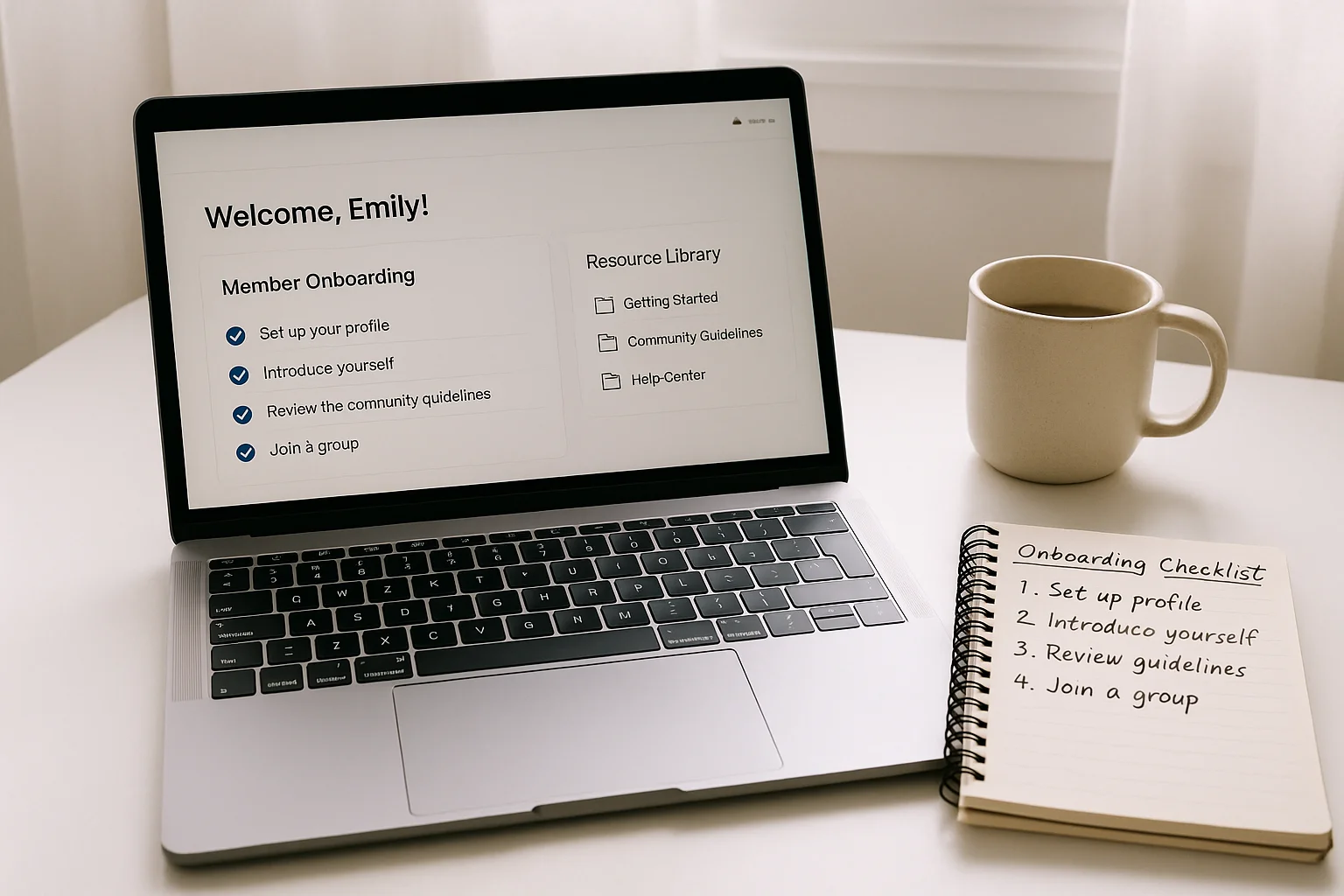
Skool community onboarding automation is the system that delivers a structured first experience to every new member automatically: welcome messages, resource delivery, and first-week engagement prompts, all triggered the moment someone joins. This is not HR onboarding or employee onboarding -- it is the automated sequence that replaces manually welcoming each new community member and making sure they actually get started.
The first seven days of a Skool membership determine whether someone stays or cancels before the next billing date. Members who receive no structured introduction rarely explore beyond the first thing they find and disengage quickly. This guide covers what to automate, how to build it, and what each piece does for retention.
Why the first seven days matter most for Skool communities
The pattern is consistent across paid communities: members who take a meaningful first action within 24 hours of joining (introducing themselves, watching a core piece of content, completing a first step) renew at significantly higher rates than those who join and do nothing. The challenge is that "doing nothing" is the default for new members who receive no prompt.
At scale, manually welcoming every new member is not realistic. A Skool community with 10 new joins per week needs 10 individual welcome messages, follow-ups, and check-ins per week -- every week. Automation removes that manual burden while delivering a more consistent and timely experience than manual outreach would.
What Skool handles natively for onboarding
Skool's native onboarding tools are limited. The platform provides:
- A community welcome post that new members see on first login
- Skool's built-in course modules for structured content delivery
- A community feed where members can introduce themselves
What Skool does not provide natively: automated DMs to new members on join, triggered email sequences based on join date, follow-up sequences tied to member activity (or inactivity), or integration with email platforms. These require building an automation layer outside Skool.
What to automate in Skool community onboarding
Welcome sequence
The welcome sequence starts the moment a new member joins. Because Skool has no native DM automation, this runs through n8n connected to Stripe (the payment event triggers the sequence) and your email platform or Discord if you run a companion Discord server.
Day 0 (join): Welcome email with a clear first step. Not an overview of everything -- a single action. "Go here first. Do this. It takes five minutes." Member overwhelm from a long welcome email kills first-week engagement.
Day 2: Follow-up email. "Have you introduced yourself in the community feed? Here is a link to the introduction thread." This is the highest-converting engagement prompt in most Skool communities because it requires one specific action with a direct link.
Day 5: Resource delivery. Share the most commonly valuable resource for new members based on what your existing members tell you they wish they had found earlier. No sell, no pitch -- just something useful.
Day 7: Check-in. "You have been a member for a week. Here is what most active members are doing right now." Includes a link to the most active thread, module, or content piece in the community that week.
Resource delivery automation
If your Skool community has specific onboarding content (a start-here module, a welcome video, a PDF guide), deliver it via email rather than relying on members to find it inside Skool. New members often do not know where to look. An email with a direct link to the most important first piece of content removes that friction entirely.
Structure resource delivery in order of importance, spread across the first two weeks. Give one thing at a time. Multiple resources in one email reduces the chance that any of them get read.
Engagement triggers
If a member has not logged into Skool or posted in the community within 14 days of joining, trigger a re-engagement email. The message: acknowledge they may have been busy, link directly to something active or valuable in the community right now, and invite them back without pressure. This sequence runs from Day 14 until either the member engages or the trial period ends.
Tools needed to build Skool onboarding automation
Because Skool has no outbound webhooks for member activity, the automation connects through Stripe (the payment system most Skool communities use) rather than Skool itself:
- Stripe: fires a webhook event on new payment or subscription creation
- n8n: receives the Stripe webhook, starts the onboarding sequence, manages timing with Wait nodes
- Email platform (Klaviyo, ActiveCampaign, or Kit): delivers the onboarding email sequence
- Airtable (optional): tracks member join date, email status, and engagement state for members with issues
If your Skool community also has a companion Discord server, n8n can trigger a Discord welcome DM in parallel with the email sequence, doubling the channels you reach new members through in the first week.
Building the sequence in n8n
The core workflow in n8n:
- Webhook node receives
checkout.session.completedorcustomer.subscription.createdfrom Stripe - Set node stores the member's email, name, and join date
- HTTP Request node or native n8n integration triggers Day 0 welcome email via your email platform
- Wait node set to 2 days
- HTTP Request triggers Day 2 introduction prompt email
- Wait node set to 3 more days (Day 5 from join)
- HTTP Request triggers Day 5 resource delivery email
- Wait node set to 2 more days (Day 7)
- HTTP Request triggers Day 7 check-in email
- IF node at Day 14: if member has not engaged (tracked via email open or Airtable flag), trigger re-engagement email
The entire sequence runs automatically for every new member. You write it once and it delivers consistently regardless of how many people join simultaneously.
Want this set up correctly without the trial and error? We do payment-to-access automation for paid communities in 7 days. Book a free audit.
Related: Paid community automation: the complete guide | Skool automation: payments, access and member removal | Skool Zapier integration: what is possible in 2026