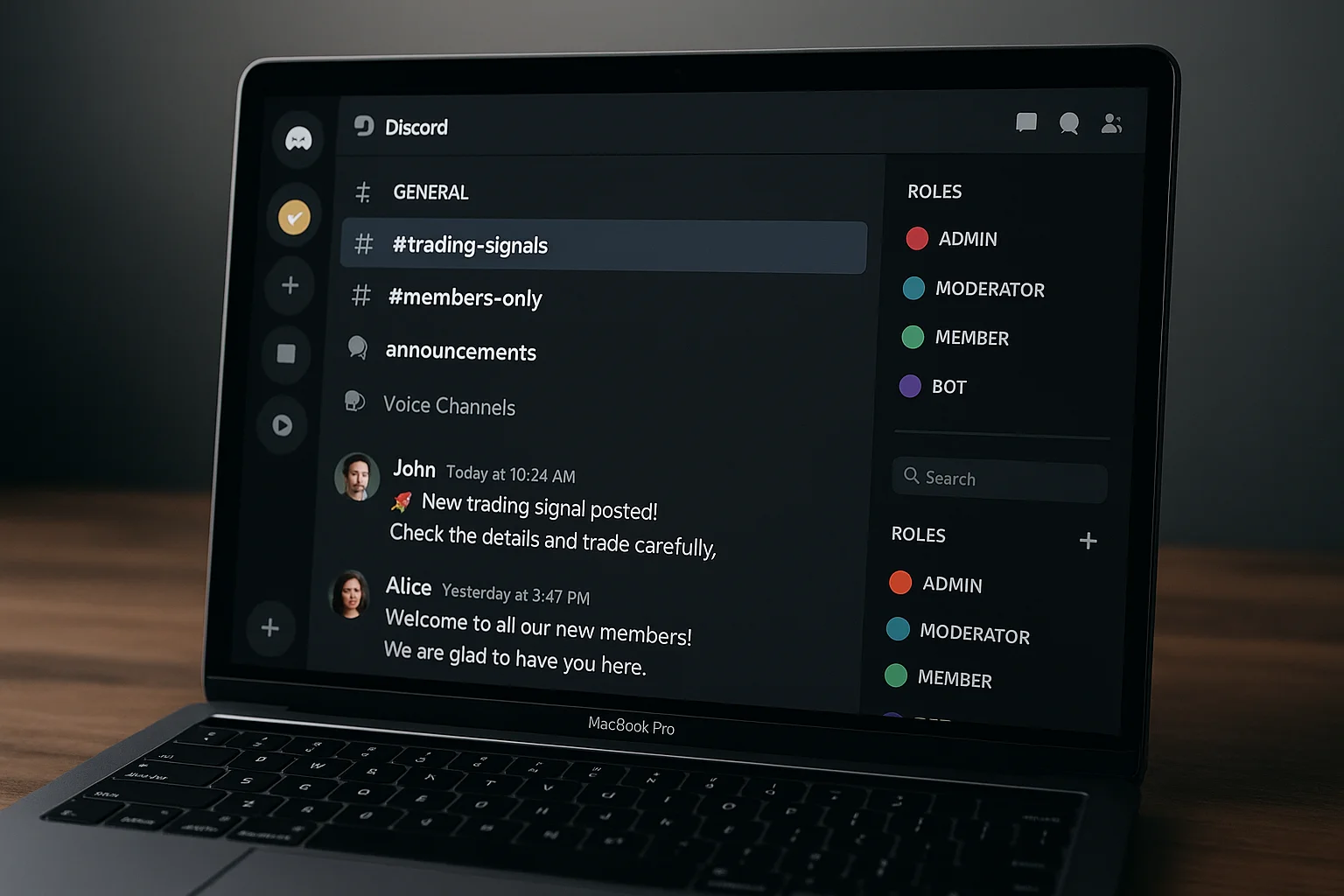
What Is a Discord Subscription Bot?
A Discord subscription bot automates the relationship between a recurring payment and a member's server access. When someone pays, the bot grants their role instantly. When they cancel or their payment fails, the bot removes it — no manual work, no spreadsheets, no checking who's paid and who hasn't.
There are two approaches: pre-built services (LaunchPass, Whop, Memberful) that handle payments and Discord access together, and custom n8n webhook setups that connect Stripe directly to Discord's API with no platform in the middle. This guide covers both, with real costs at each MRR level, so you can pick the right fit for your stage.
All Options at a Glance
| Option | Monthly Fee | Revenue Cut | Cost at $1k MRR | Cost at $5k MRR | Best For |
|---|---|---|---|---|---|
| LaunchPass | $29/mo | 3.5% | $64/mo | $204/mo | Fastest launch, under 100 members |
| Whop | $0 | 3% | $30/mo | $150/mo | Marketplace discovery + product bundles |
| Memberful | $49/mo | 0% | $49/mo | $49/mo | Courses + gated content alongside Discord |
| Custom n8n | ~$8/mo hosting | 0% | $8/mo | $8/mo | $1,500+ MRR, full control |
All options sit on top of Stripe's standard 2.9% + 30¢ per transaction, which applies regardless of route.
Option 1: Pre-Built Services
If you want to launch today without building anything:
- LaunchPass — purpose-built for Discord subscriptions. Handles Stripe, Apple Pay, PayPal. Takes 3.5% + Stripe fees. Setup under 30 minutes with no code required.
- Whop — broader marketplace platform with Discord access as one feature. Takes 3% + fees. Good if you want marketplace discovery or want to sell digital products alongside membership.
- Memberful — more powerful membership management with course and content gating. $49/month flat, no revenue cut. Better for communities where paid content (not just access) is the core product.
The trade-off: speed and simplicity now vs. owning the full stack later.
Option 2: Custom n8n Subscription Bot (Zero Revenue Cut)
The custom approach connects Stripe webhooks directly to Discord's API via n8n — no platform in the middle, no revenue percentage, complete control over every edge case including dunning logic, trial handling, and tier upgrades.
How it works at a high level:
- Member pays via your Stripe-powered checkout
- Stripe fires a webhook to your n8n instance
- n8n looks up their Discord ID from Stripe metadata
- n8n calls Discord's API to add the correct role
- On cancel or failed payment: n8n removes the role per your defined logic
- On upgrade or downgrade: n8n swaps roles in a single workflow run
The full technical setup is covered in our Stripe Discord Integration guide. If you're still deciding which approach fits, see our Stripe Discord bot comparison for a side-by-side breakdown.
Core Events Your Subscription Bot Must Handle
A bot that only handles successful payments is half a system. Every edge case below is a real scenario that happens to real members every month:
- Payment succeeded → add role immediately, trigger welcome DM
- Subscription cancelled → schedule role removal for end of billing period (not immediately)
- Payment failed → start dunning sequence; do not remove access on first failure
- Subscription upgraded → remove old tier role, add new tier role in a single atomic action
- Trial ended without conversion → remove trial role, send win-back sequence
- Refund issued → remove access immediately regardless of billing period position
- Subscription paused → remove role, preserve member record for resume
LaunchPass and Whop handle most of these. The custom n8n approach handles all of them, with logic you define per event.
Handling the Grace Period on Failed Payments
Don't remove access the moment a payment fails. Stripe retries cards automatically, and legitimate members with temporary card issues will churn unnecessarily if you kick them immediately. A sensible grace period:
- Day 0: Failed payment — Discord DM and email sent immediately with card update link
- Day 3: Second reminder, direct link to update payment method
- Day 7: Final warning — access removal in 24 hours
- Day 8: Role removed, offboarding message sent
In n8n, this is a Wait node set to 7 days with a payment status check before the role removal fires. Communities running this properly recover the majority of failed payments that would otherwise become permanent churn. See the full retention automation stack in our paid community churn reduction guide.
Setting Up Discord Bot Permissions
Whether you use a pre-built service or custom bot, your bot needs the correct Discord permissions or it will silently fail:
- Manage Roles — required to add and remove roles from members
- Kick Members — optional but useful for hard kicks on non-payment after grace period
- Send Messages — required for welcome DMs and onboarding messages
Critical: Your bot's role must be positioned above the roles it manages in Discord's server role hierarchy. Go to Server Settings → Roles and drag your bot's role above any role it needs to assign or remove. This catches almost everyone on first setup — the bot will appear to work but silently fail on role assignment.
Multi-Tier Role Architecture
Running multiple subscription tiers (Basic at $19/month, Pro at $49/month, VIP at $99/month)? Plan your role architecture before you start. For each tier you need:
- A dedicated Stripe Price ID
- A dedicated Discord role
- Channel permission overwrites granting each role access to the correct channels
In n8n, map Price IDs to role IDs in a lookup object. When a subscription event fires, the workflow extracts the Price ID, finds the matching role, and executes the correct action. Tier changes — upgrades and downgrades — swap roles atomically in a single workflow run, avoiding the window where a member has both roles or neither.
Welcome DMs and Onboarding Automation
Your subscription bot should do more than access control. When a new member joins, trigger a welcome DM sequence:
- Immediately: Server orientation — three channels to visit first, one action to take today
- Day 1: Check-in DM — did they find what they need?
- Day 3: Point them to a specific high-value resource they haven't found yet
- Day 7: Community participation prompt
Members who receive a structured welcome are significantly less likely to cancel in the first 30 days. This is the highest-ROI addition you can make on top of the core payment flow — it costs nothing to run after the initial build.
Which Approach Should You Use?
- Under 100 members, just starting: LaunchPass or Whop. Ship fast, validate the community, don't over-engineer before you have paying members.
- Want marketplace discovery: Whop — lower fee than LaunchPass and buyers can find you on their platform.
- Selling courses + Discord access: Memberful — flat fee, better content infrastructure.
- $1,500+ MRR or multiple tiers: Custom n8n. The revenue percentage saving compounds fast, and you get full control over every workflow edge case.
ShipWorkflow builds custom Discord subscription bots — full Stripe integration, multi-tier role management, failed payment recovery, and welcome automation. Talk to us if you want it built properly.