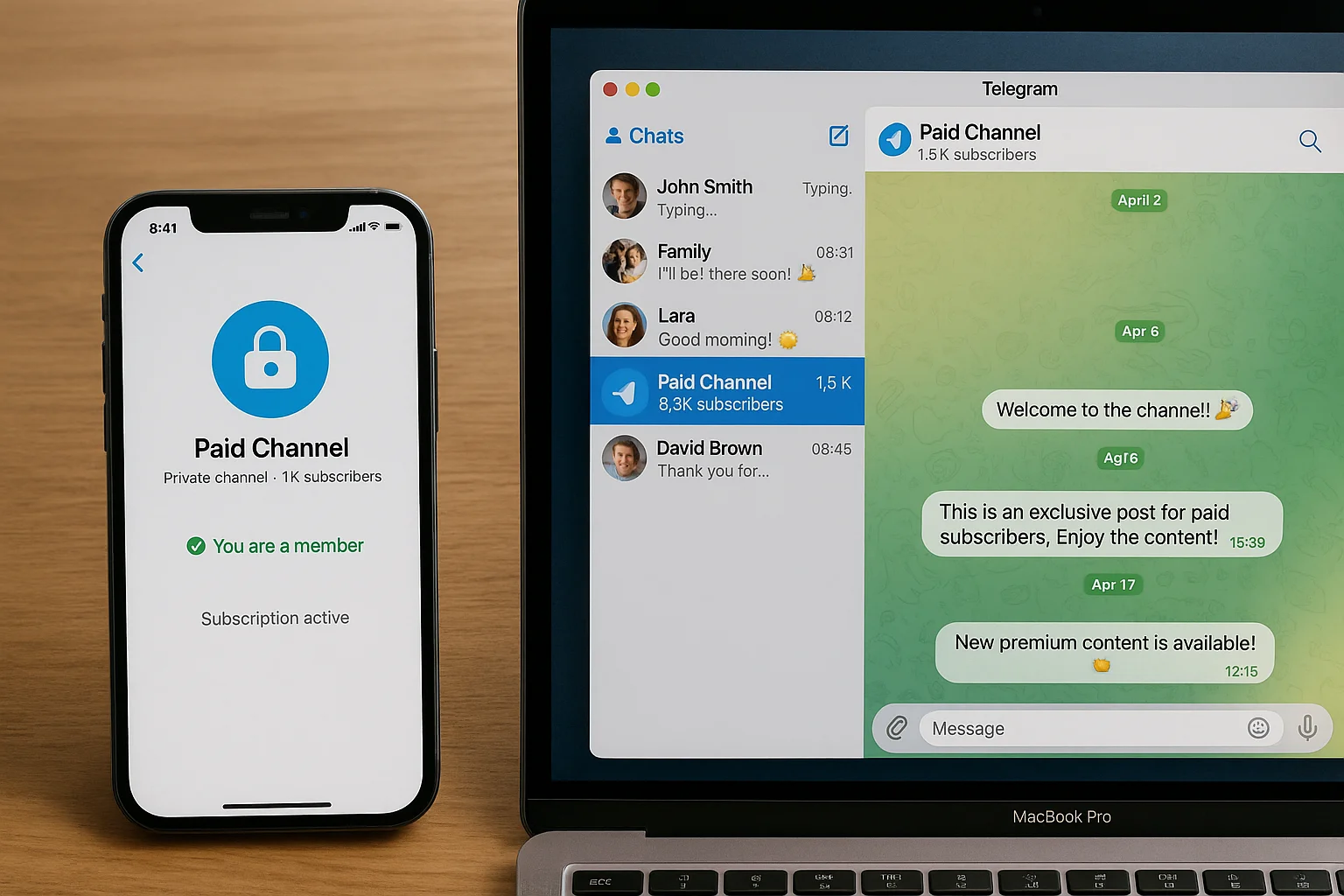
You want to charge for access to your Telegram channel or group. The problem is Telegram has no native payment layer — every paid Telegram community is built on a workaround. The question is which workaround gives you the best combination of speed, control, and cost.
This guide covers all three approaches — pre-built subscription bots, Telegram's native Stripe payment API, and a custom n8n webhook — with real costs at multiple revenue levels and a clear decision framework.
How a Stripe Telegram Bot Works
A Stripe Telegram bot handles two jobs: collecting payment and controlling channel access based on subscription status. Every time Stripe fires a webhook — payment succeeded, subscription cancelled, payment failed — the bot acts on the Telegram side automatically.
There are three ways to build this:
- Pre-built bots (InviteMember, Subly) — connect Stripe, set a price, share a payment link. Subscribers pay and get added automatically. Takes 3–5% of revenue.
- Telegram's native Payments API — Telegram supports Stripe directly via BotFather. Works for one-time payments; subscription support is limited and provider availability varies by region.
- Custom n8n webhook — Stripe fires events directly to your n8n instance, which calls Telegram's Bot API to grant or revoke access. No revenue cut. Full control. Requires ~4 hours to build or can be hired out.
Cost Comparison at Different Revenue Levels
| Approach | $1k MRR cost | $5k MRR cost | $10k MRR cost | Setup time |
|---|---|---|---|---|
| InviteMember (5%) | $50/mo | $250/mo | $500/mo | 30 min |
| Subly (4%) | $40/mo | $200/mo | $400/mo | 45 min |
| Custom n8n | $7/mo | $7/mo | $7/mo | 4–6 hrs |
At $1k MRR, the fee difference is small. At $5k+, the custom approach pays back its build cost inside the first month.
Option 1: Pre-Built Subscription Bots
InviteMember is the most established Telegram monetisation bot. Connect your Stripe account, create subscription plans, and share a payment link. Subscribers pay on a Stripe-hosted checkout page and get added to your channel automatically. Cancellations and expired subscriptions trigger auto-removal. Supports recurring billing, free trials, and one-time payments. Takes 5% of revenue.
Subly works similarly with a 4% cut. Both handle the full lifecycle — join, renewal, failed payment retry, removal — without any code.
Use a pre-built bot if: you're under $2k MRR, want to launch today, and don't want to manage infrastructure.
Option 2: Custom n8n Webhook (No Platform Fee)
This is the approach ShipWorkflow builds for clients. It connects Stripe webhooks directly to Telegram's Bot API with zero ongoing platform cost beyond hosting (~$7/month on a basic VPS).
Step 1: Create Your Telegram Bot
Message @BotFather on Telegram and use /newbot. Save the bot token. Add the bot to your paid channel as an admin with "Ban Users" permission — required for automatic member removal on cancellation.
Step 2: Collect Telegram User IDs at Checkout
Stripe needs to know who to add to Telegram. Two options:
- Add a custom field to your Stripe Checkout asking for the buyer's Telegram username. After payment, your n8n workflow uses Telegram's
getChatmethod to resolve username to user ID. - Build a post-payment landing page that instructs the customer to start a conversation with your bot. The bot captures their user ID automatically and stores it against their Stripe customer record.
Step 3: Set Up the n8n Workflow
In n8n, create a webhook-triggered workflow. In Stripe, add your n8n webhook URL as an endpoint and subscribe to these events:
invoice.payment_succeeded→ generate invite link and send to membercustomer.subscription.deleted→ callbanChatMember, then immediatelyunbanChatMemberinvoice.payment_failed→ start 3-day grace period dunning sequence, then remove if unpaidcustomer.subscription.updated→ handle plan changes
Step 4: Generate Single-Use Invite Links
When a payment succeeds, generate a unique invite link for that member using Telegram's createChatInviteLink API:
POST https://api.telegram.org/bot{TOKEN}/createChatInviteLink
{
  "chat_id": "@yourchannel",
  "member_limit": 1,
  "expire_date": 1234567890
}
Set member_limit: 1 — each link works once. Set expiry to 24–48 hours out. Send the link via your bot using sendMessage, or include it in your post-payment email. This prevents link sharing completely.
Step 5: Handle Cancellations Correctly
On subscription cancellation, call banChatMember to remove the user, then immediately call unbanChatMember. The ban removes them from the channel. The unban allows them to re-join if they resubscribe later — without it, they'd be permanently blocked even after purchasing again.
Which Option Is Right for You
| Situation | Best approach |
|---|---|
| Just starting out, under $2k MRR | InviteMember or Subly |
| Over $2k MRR or growing fast | Custom n8n (fees compound quickly) |
| Multiple tiers or complex logic | Custom n8n |
| Want to own your data and infra | Custom n8n |
| No technical resources at all | InviteMember + hire for migration later |
Curious what your community's revenue and churn actually look like? Try our free Community Revenue & Churn Calculator to model MRR, churn cost, and growth scenarios before you build.
The Full Setup ShipWorkflow Builds
ShipWorkflow builds Stripe-to-Telegram automation for paid channel operators — full webhook setup, invite link generation, cancellation automation, failed payment dunning sequences, and an admin view to monitor active subscribers. Get in touch if you want it running without building it yourself.