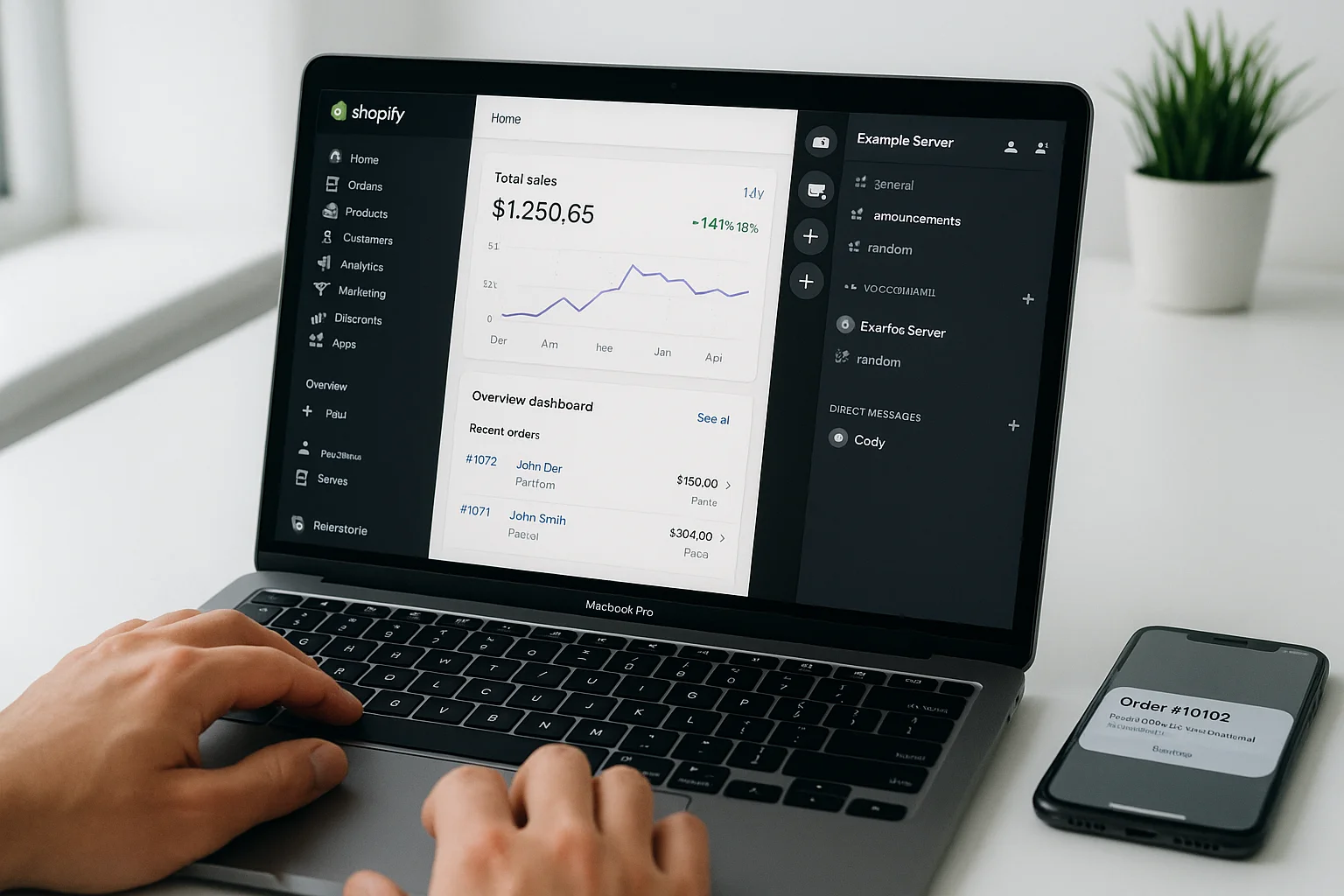
If you sell digital products, courses, or membership access through Shopify, granting Discord access the moment someone buys isn't a native Shopify feature — but it's fully buildable. Shopify Discord integration automates the entire access flow: buyer completes checkout, Discord role gets assigned, no manual invite required.
This guide covers when you'd want this, which Shopify apps handle it out of the box, the n8n webhook approach for more control, and the exact setup steps.
Why Shopify sellers want Discord integration
The use case shows up in a few consistent forms:
- Digital product buyers: Someone buys a course, template pack, or trading signals subscription via Shopify. You want them inside a private Discord channel instantly — not waiting for a manual invite.
- VIP customer tiers: Customers who reach a spending threshold automatically get access to a private Discord community. Triggered by the order event, not a manual check.
- Community membership sold through Shopify: Operators who already have a Shopify store and don't want to run a separate payment processor use Shopify as the commerce layer and Discord as the community layer.
- Course or cohort access: Each course purchase or cohort enrollment grants a different Discord role, with access expiring or changing based on purchase type.
Option 1: Shopify apps
Several Shopify apps handle the Shopify to Discord connection without any technical setup:
- Conjured Memberships: Sell Discord access as a Shopify product. Handles the OAuth Discord join flow, role assignment on purchase, and removal on refund or subscription lapse. Most straightforward option for zero-setup Discord gating.
- Single: Built for digital product creators on Shopify. Grants Discord roles on purchase of specific products and handles multi-product role mapping.
- Locksmith: More flexible access control tool. Gates content and resources by customer tags, purchase history, or custom attributes. Requires more configuration but handles complex scenarios.
The tradeoff with Shopify apps: monthly fees ($15–50/month typically), limited customisation on automation logic, and dependency on a third-party app remaining active and supported.
Cost comparison: Shopify apps vs n8n
| Approach | Setup time | Monthly cost | Customisation | Best for |
|---|---|---|---|---|
| Shopify app (Conjured, Single) | Under 1 hour | $15–50/month | Low — their logic, not yours | Single-tier access, low volume, no custom logic |
| n8n webhook build | 3–5 hours | ~$20/month flat | Full control | Multi-product mapping, complex logic, scale |
Option 2: Shopify webhooks + n8n
Shopify emits order webhooks when purchases are completed. n8n receives them, looks up the Discord user ID for the buyer, and assigns the correct role. No code required — all configuration happens via n8n's visual canvas.
What you need
- Shopify store (any plan)
- Discord server with a bot (created free via discord.com/developers/applications)
- n8n Cloud (~$20/month) or self-hosted n8n
- Airtable or Google Sheets (free plan) to store Discord user IDs linked to buyer emails
The OAuth join flow
Shopify knows buyers by email. Discord needs a user ID. These don't connect natively, so you solve this once per customer. After purchase, redirect the buyer to a Discord OAuth page — you can add this as a post-purchase page redirect or order confirmation link. The buyer logs in with Discord, Discord returns their user ID, and you store it in Airtable linked to their email and Shopify customer ID.
Every future order from that customer automatically triggers the correct Discord action because the email-to-user-ID mapping already exists in Airtable.
Building the n8n workflow
- Webhook trigger: Create a Webhook node in n8n and copy the URL. In Shopify Admin go to Settings → Notifications → Webhooks and add the URL, subscribing to "Order created" and "Refund created" events.
- Product mapping: Add a Switch node. Route based on the product ID or variant SKU in the order payload. Each product maps to a specific Discord role ID.
- Airtable lookup: Search your member table for the order's customer email. Return the stored Discord user ID.
- Role assignment: HTTP Request node — Method: PUT, URL:
https://discord.com/api/v10/guilds/YOUR_GUILD_ID/members/DISCORD_USER_ID/roles/ROLE_ID, Header:Authorization: Bot YOUR_BOT_TOKEN. - Confirmation: Optional — send a DM or trigger a confirmation email via your email platform confirming Discord access.
- Refund branch: When a refund fires, the Switch routes to a role removal branch. Same structure, DELETE instead of PUT for the role assignment.
Setting up the Discord bot
Go to discord.com/developers/applications → New Application → Bot section → create bot and copy the token. In your Discord server, go to Server Settings → Roles and drag the bot's role above every member role in the list. This is critical — Discord only lets bots manage roles positioned below their own in the hierarchy.
Invite the bot to your server with these permissions: Manage Roles, Send Messages, Create Direct Messages.
Multi-product role mapping
If you sell multiple products granting different Discord roles, store the product ID to Discord role ID mapping in Airtable or as a lookup table in n8n. When an order fires, the Switch node reads the product ID and routes to the correct role assignment. This is the main advantage of n8n over Shopify apps — any number of products can map to different Discord roles or role combinations without per-tier fees.
Testing the integration
Place a test order using Shopify's test payment mode or a 100% discount code. Check n8n's execution log to confirm: webhook received, Airtable lookup returned a user ID, Discord API call returned HTTP 204. Then trigger a test refund and confirm the role removal branch fires correctly.
Test the "buyer hasn't set up Discord yet" edge case by placing an order without an Airtable record for the email. Add a branch that sends a follow-up email with the OAuth join link if no user ID is found.
If you want this built for your Shopify store, book a strategy call and we'll scope the build.