What "Discord Server Setup Service" Actually Means
Anyone can create a Discord server in five minutes. What takes time — and expertise — is building a server architecture that handles paid membership, scales past 100 members without breaking, and automates the operational work so you're not spending 10 hours a week on admin.
A professional Discord server setup service covers the full technical stack: server architecture, role design, channel permissions, payment integration, automation workflows, and bot configuration. Here's what each of those layers involves.
Layer 1: Server Architecture
A well-architected Discord server starts with clear separation between:
- Public zones — channels visible to everyone, including non-members. Used to demonstrate community value and drive subscription conversions.
- Member zones — gated behind a paid role. This is where your actual content and community activity lives.
- Tier-specific zones — for multi-tier communities, different levels of access at different price points.
- Admin/team zones — private channels for you and any moderators.
We design the category and channel structure before touching Discord. The architecture determines everything downstream — permission complexity, automation logic, member experience.
Layer 2: Role Design and Permissions
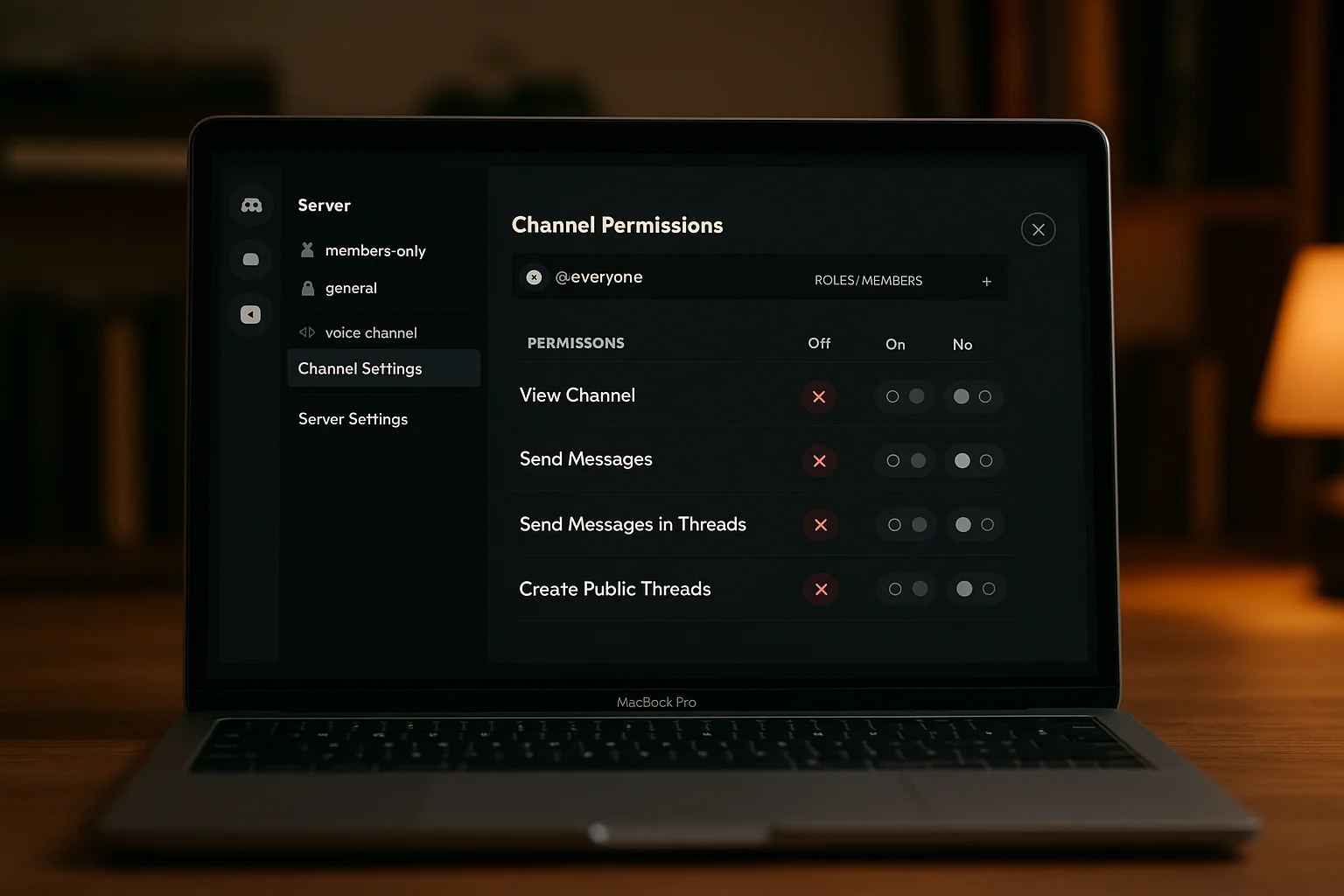
Roles are the access control system in Discord. A professional setup includes:
- One or more paid member roles (one per subscription tier)
- Moderator/staff roles with appropriate elevated permissions
- Bot roles positioned correctly in the hierarchy (bot roles must sit above the roles they manage)
- Channel-level permission overwrites that grant each role access to the correct channels
Role hierarchy mistakes are the most common failure point in DIY Discord setups. A bot with its role in the wrong position can't add or remove member roles, which breaks the entire access control system.
Layer 3: Payment Integration
Connecting Stripe to Discord access is the technical core of any paid Discord community. We build this using n8n webhooks — no third-party bot service, no revenue cut, full control.
The integration covers:
- Instant role grant on successful payment
- Scheduled role removal on subscription cancellation (at end of billing period)
- Grace-period logic on failed payments before removal
- Role-swap on subscription tier upgrade or downgrade
- Immediate removal on refund
See the full technical setup in our Stripe Discord Integration guide.
Layer 4: Onboarding Automation
When a new member gets their role, a welcome DM goes out automatically. We configure:
- Server introduction and navigation guide
- Three-step first actions (introduce yourself, visit this channel, check this resource)
- Links to key gated channels
- Contact information for questions
Welcome DMs are the highest-ROI addition to any paid community setup. Members who receive them in the first hour are significantly more likely to stay past 30 days.
Layer 5: Bot Configuration
Depending on your community's needs, we configure:
- Moderation bots (auto-delete spam, rate limiting, word filters)
- Logging bots (member join/leave logs, message edit logs)
- Reaction role bots (for self-serve role selection)
- Scheduled posting bots (daily announcements, recurring content)
What the Professional Setup Costs vs. DIY
A DIY Discord server setup takes 15–20 hours if you're learning as you go, and usually has holes in the payment integration or permission logic that cause problems at 50+ members. A professional setup takes 1–2 weeks end-to-end and comes with documentation, so you understand every piece of what's been built.
ShipWorkflow handles full Discord server setups for paid community operators — from architecture through payment integration to automation workflows. Delivered with full documentation and a walkthrough. Get in touch to discuss your server.