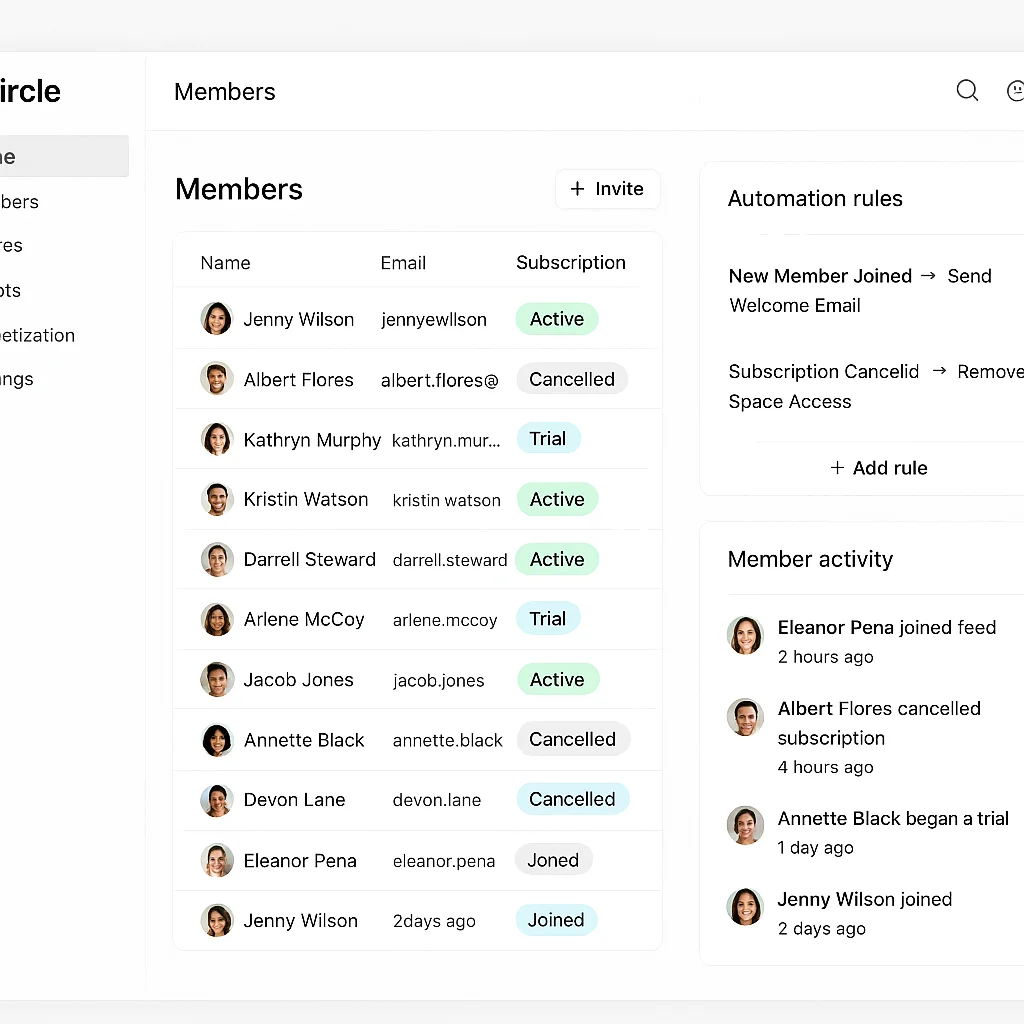
Circle and Skool are both growing fast as alternatives to Discord for course creators, coaching communities, and professional networks. But both platforms have meaningful gaps in native automation — and at any real membership size, those gaps become a genuine operational problem.
Here's what properly automating a Circle or Skool community looks like, what each platform can and can't do natively, and how n8n fills the gaps.
Circle vs Skool: Native Automation Compared
| Feature | Circle | Skool |
|---|---|---|
| Built-in payment processing | Yes (limited flexibility) | Yes (Skool Payments) |
| Native workflow triggers | Basic (join, post, level) | Very limited |
| External Stripe connection | Manual without automation | No native Stripe webhook |
| Failed payment handling | No native dunning logic | No native dunning logic |
| CRM / external data sync | Not natively | Not natively |
| API available | Yes | Limited (Zapier integration only for most triggers) |
| Email platform integration | Basic native emails only | Basic native emails only |
Both platforms share the same core gap: the moment you want your community connected to the rest of your business — your email platform, your CRM, your payment processor, your analytics — you need an automation layer outside the platform.
Skool Community Automation: What to Build
Skool's biggest limitation is API access. Most automation with Skool runs through Zapier triggers (new member joined, member left, level changed) rather than direct API calls. This means n8n connects to Skool via Zapier webhooks for event triggers, and handles the downstream actions — CRM updates, email sequences, Stripe access management — directly.
Workflows that save Skool community owners the most time
- New member onboarding: When a member joins Skool, trigger a welcome email sequence in ConvertKit or ActiveCampaign automatically. No manual import, no delayed first email.
- Stripe to Skool access: If you're using external Stripe billing (outside Skool Payments), connect Stripe webhooks to Skool's member invite API via n8n. Payment confirmed → member invited within seconds.
- Failed payment dunning: Skool has no native dunning. An n8n workflow listening to Stripe payment failure events can send a DM, email, and grace-period sequence before removing access — recovering the majority of failed payments that would otherwise churn permanently.
- Level-change triggers: When a member reaches a new Skool level (via gamification points), trigger an automated reward — exclusive content access, a personal DM, or a CRM tag that unlocks a new email sequence.
- Churn risk detection: Members who haven't logged into Skool in 14+ days with a renewal approaching get a re-engagement DM or email automatically.
- Weekly digest to owner: An automated summary of new members, churned members, and engagement metrics delivered to you every Monday — no manual reporting.
Circle Community Automation: What to Build
Circle has a more complete API than Skool, which makes direct integration via n8n more powerful. Circle's member management API supports inviting members, assigning them to spaces, updating access levels, and removing members — all triggerable from external events.
Connecting Circle to Stripe via n8n
The core integration most Circle operators need: Stripe payment confirmed → member gets Circle space access instantly. Subscription cancelled → access removed. No manual intervention at any step.
The full membership lifecycle in practice:
- Stripe
checkout.session.completedfires → n8n invites member to Circle via API → access within seconds - Stripe
customer.subscription.deletedfires → n8n removes member from paid spaces → offboarding email sent - Stripe
invoice.payment_failedfires → dunning email sent → 4-day grace period → if unresolved, access removed
Email platform integration
Circle's built-in email notifications are basic. For a paid community that takes retention seriously, your onboarding sequence should live in a proper email platform — ConvertKit, ActiveCampaign, or Klaviyo — triggered automatically when a member joins. The n8n workflow that grants Circle access also fires an API call to your email platform, adding the new member to the correct sequence the moment they join. No manual imports, no delayed first emails.
CRM and member tracking
If you want visibility over your membership — who joined when, who's at risk, who's most engaged — that data needs to live somewhere queryable. We build an Airtable member database that receives automatic updates from n8n: new member on join, churn risk flag on 14-day inactivity, payment status synced from Stripe daily. The result is a live view of your entire membership with no manual maintenance.
Engagement automation
Beyond the membership lifecycle, Circle communities benefit from automated engagement triggers — scheduled discussion posts, member spotlight posts, weekly owner digests. One Circle community we work with has weekly discussion prompts posted automatically every Tuesday, a member spotlight published every Friday, and a private metrics digest sent to the owner every Monday. None of it requires manual action.
How Long Does It Take to Build?
A complete Circle or Skool automation build — Stripe integration, onboarding, failed payment recovery, and CRM logging — typically takes 1–2 weeks and is priced as a one-time project. Once built, it runs silently with no ongoing maintenance required from you.
If you want your Circle or Skool community automated properly, book a free strategy call. Most builds are live within 2 weeks.